GUI Application#
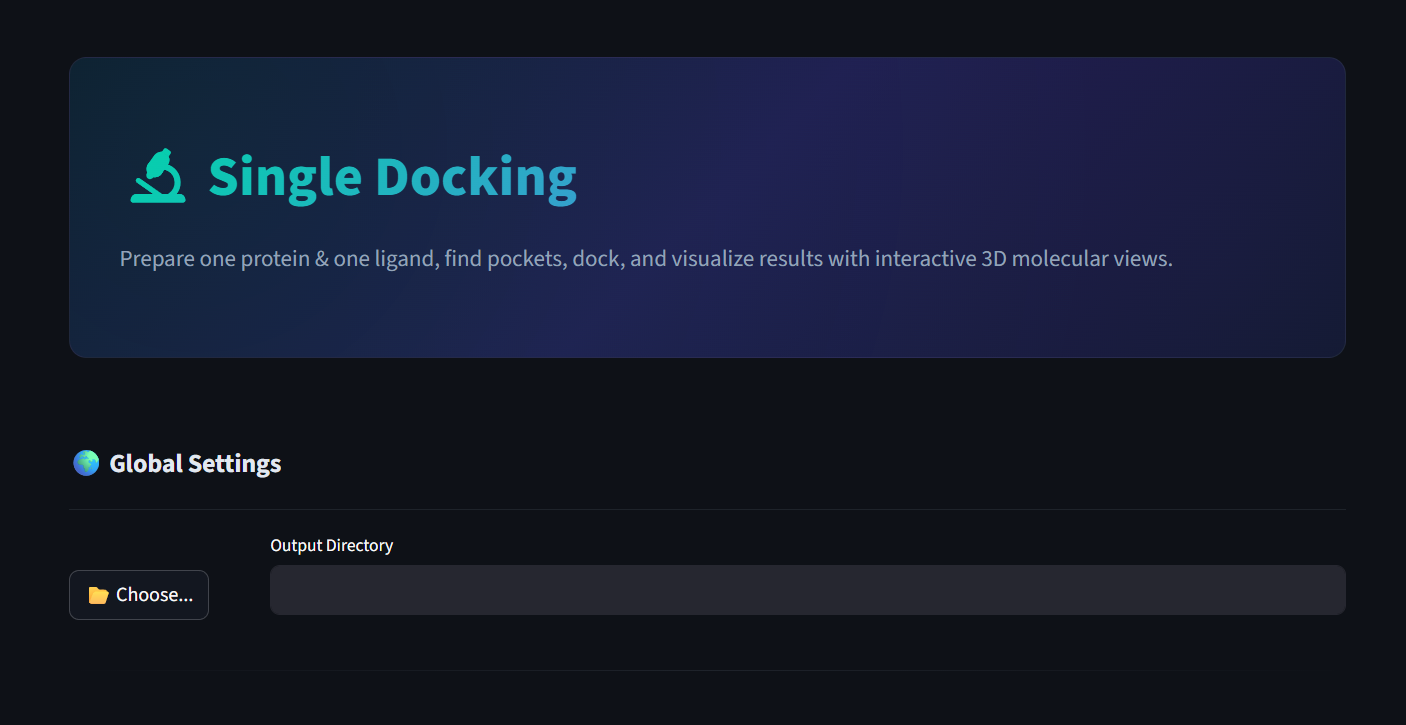
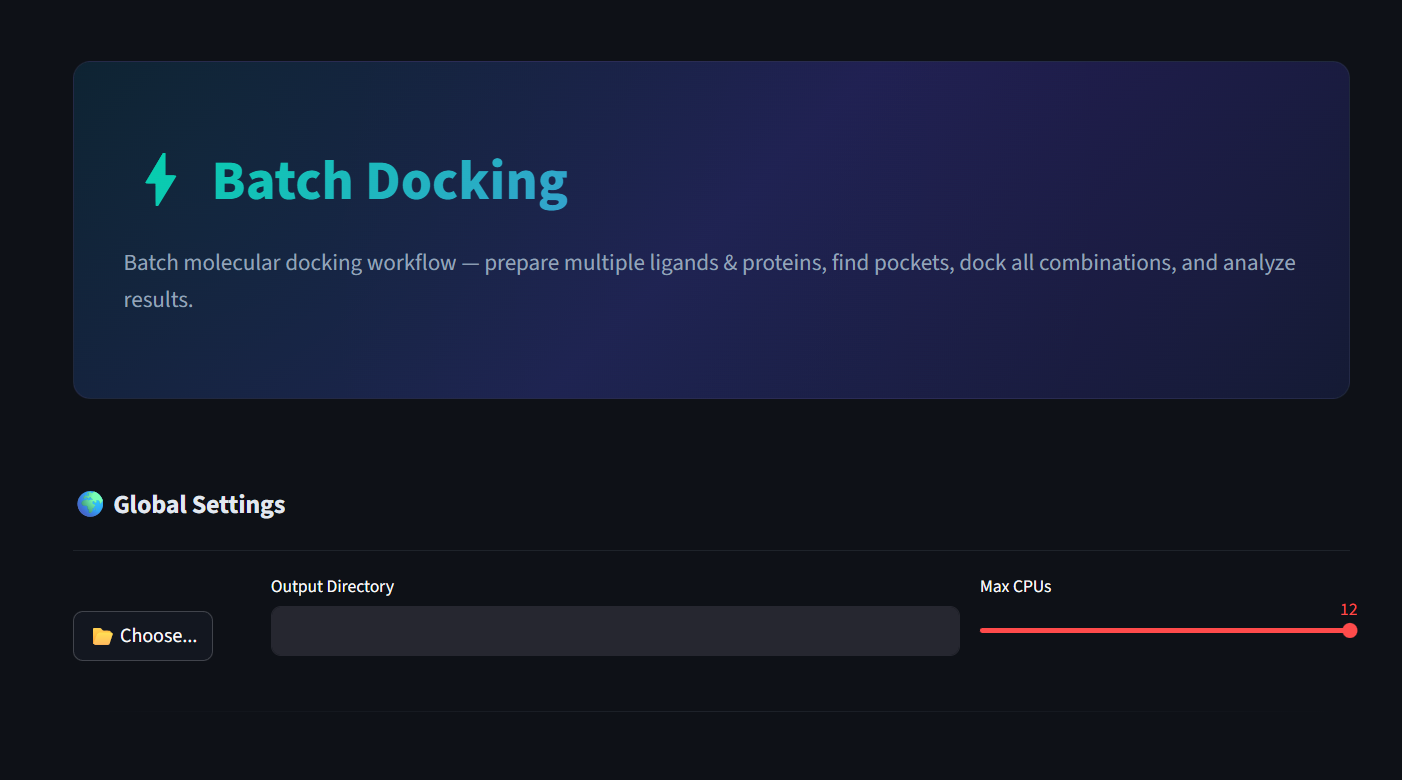
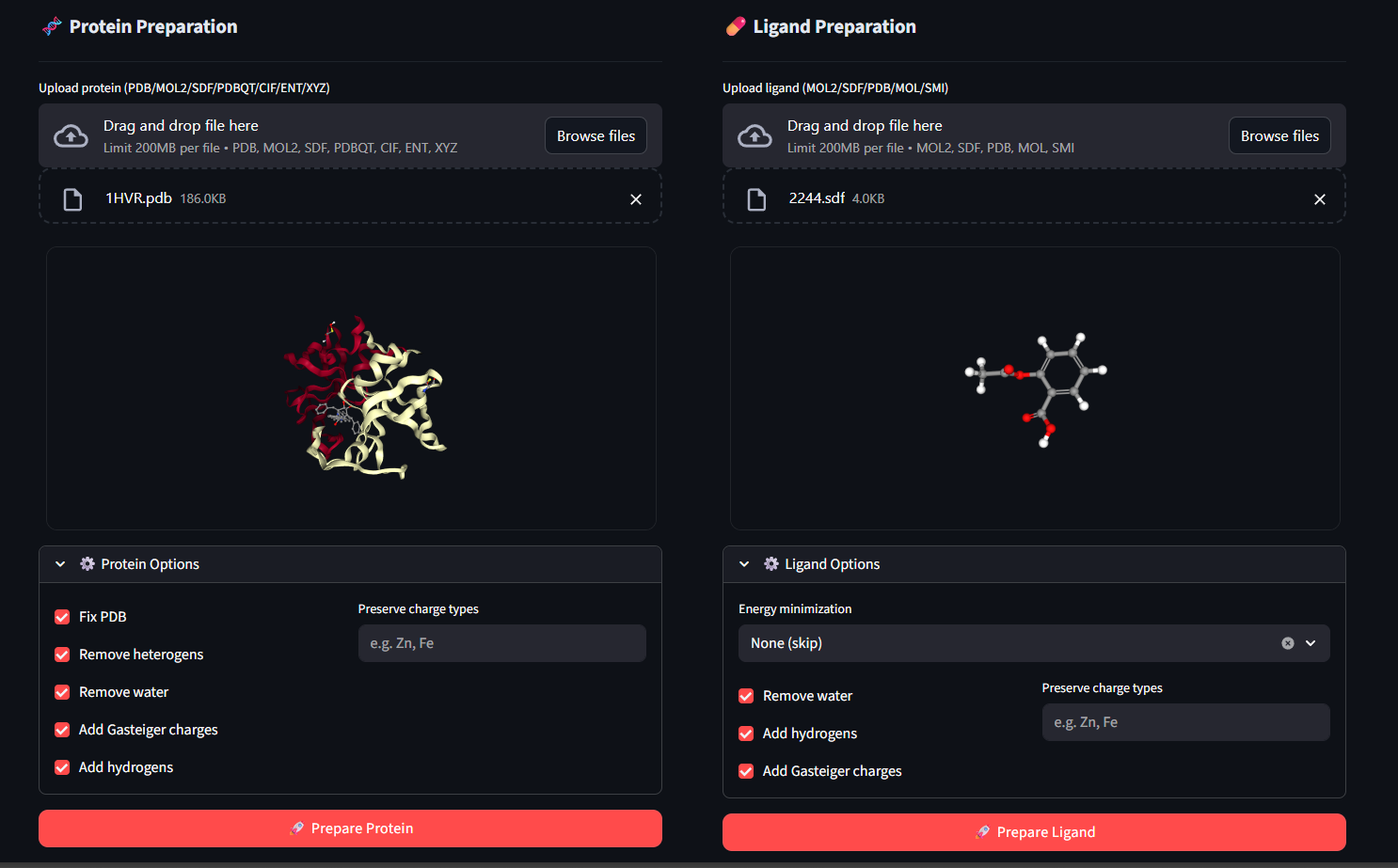
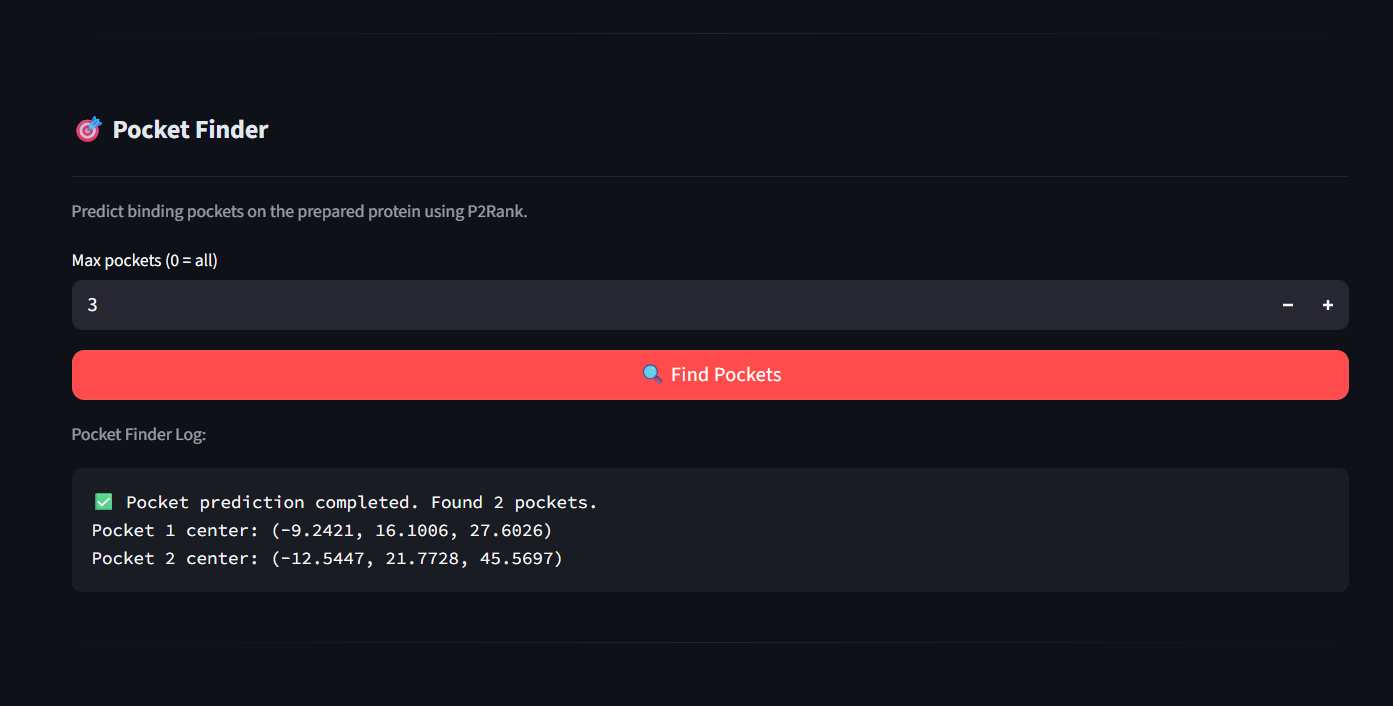
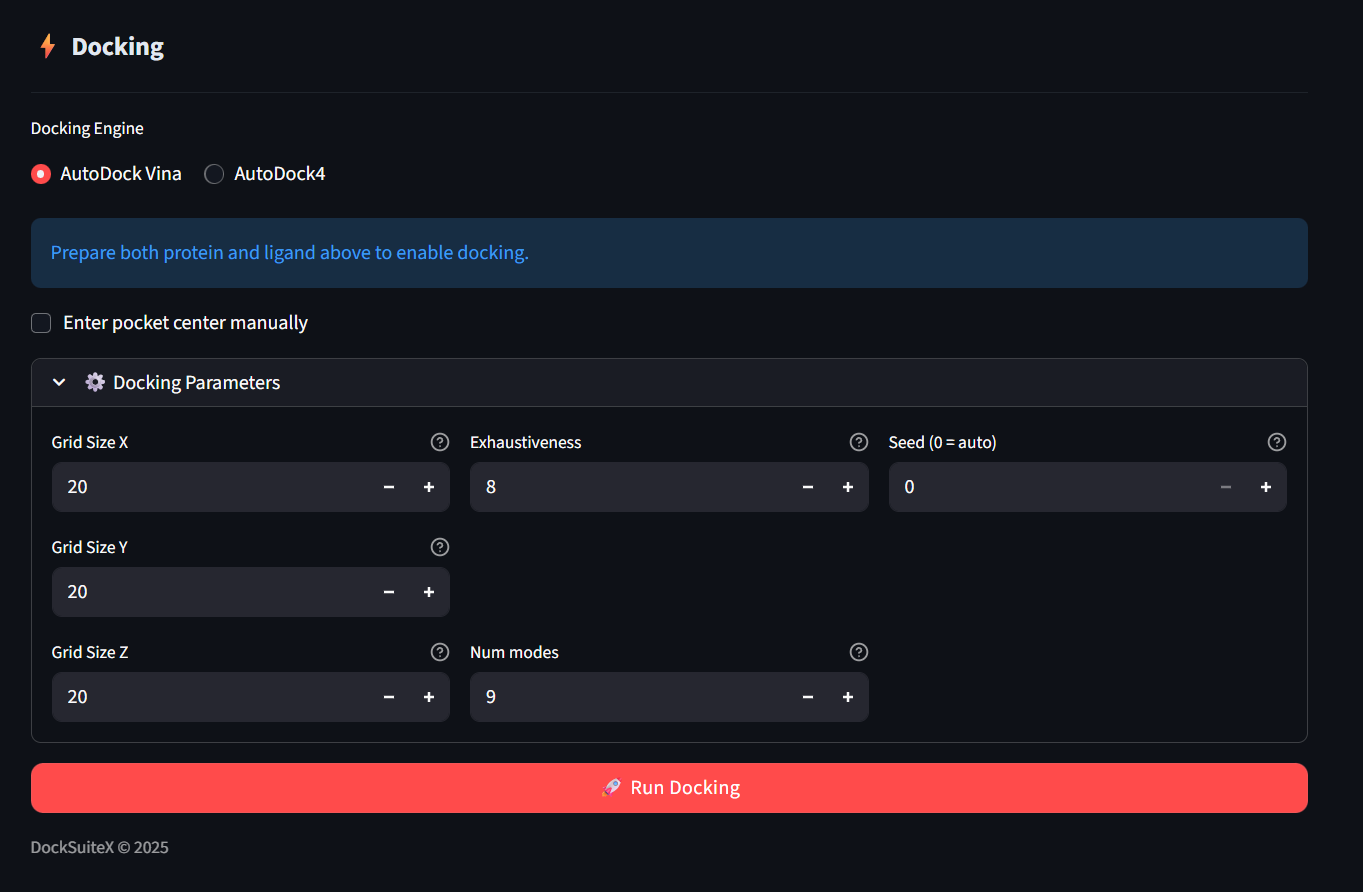
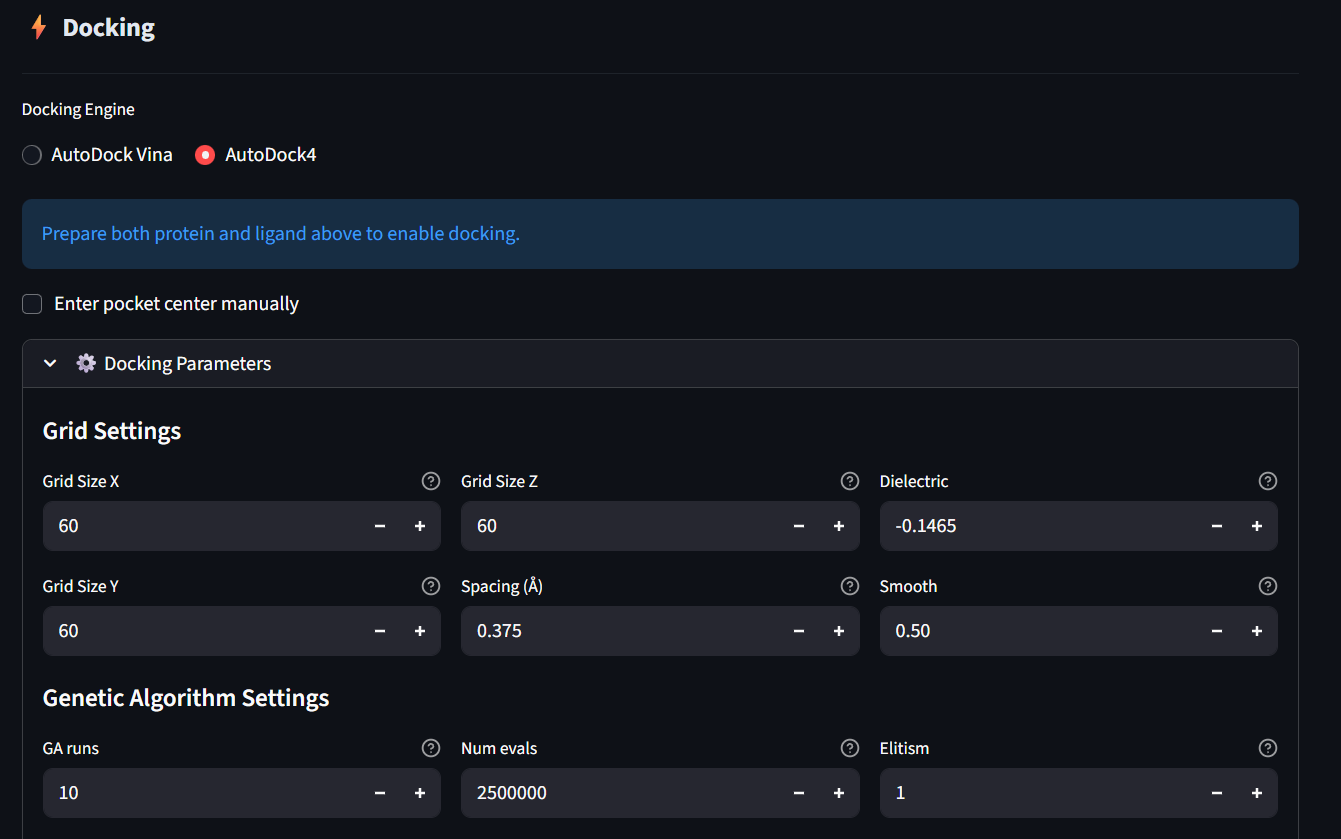
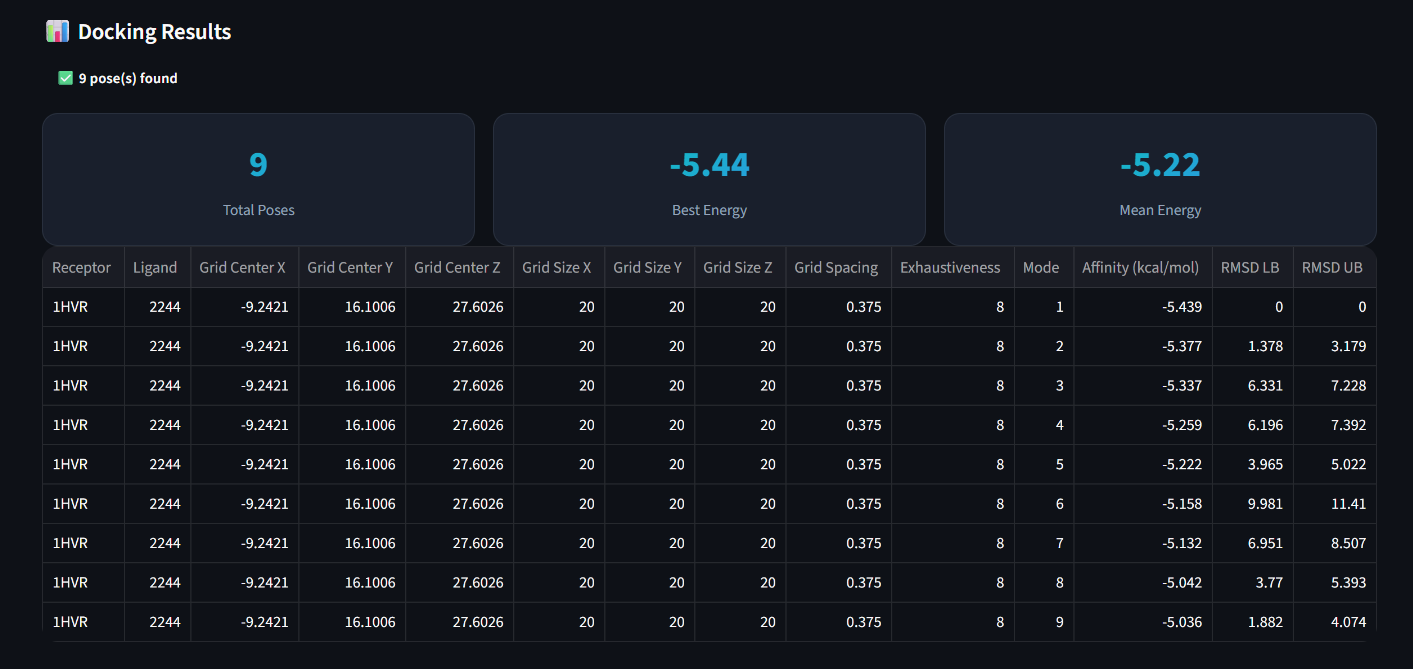
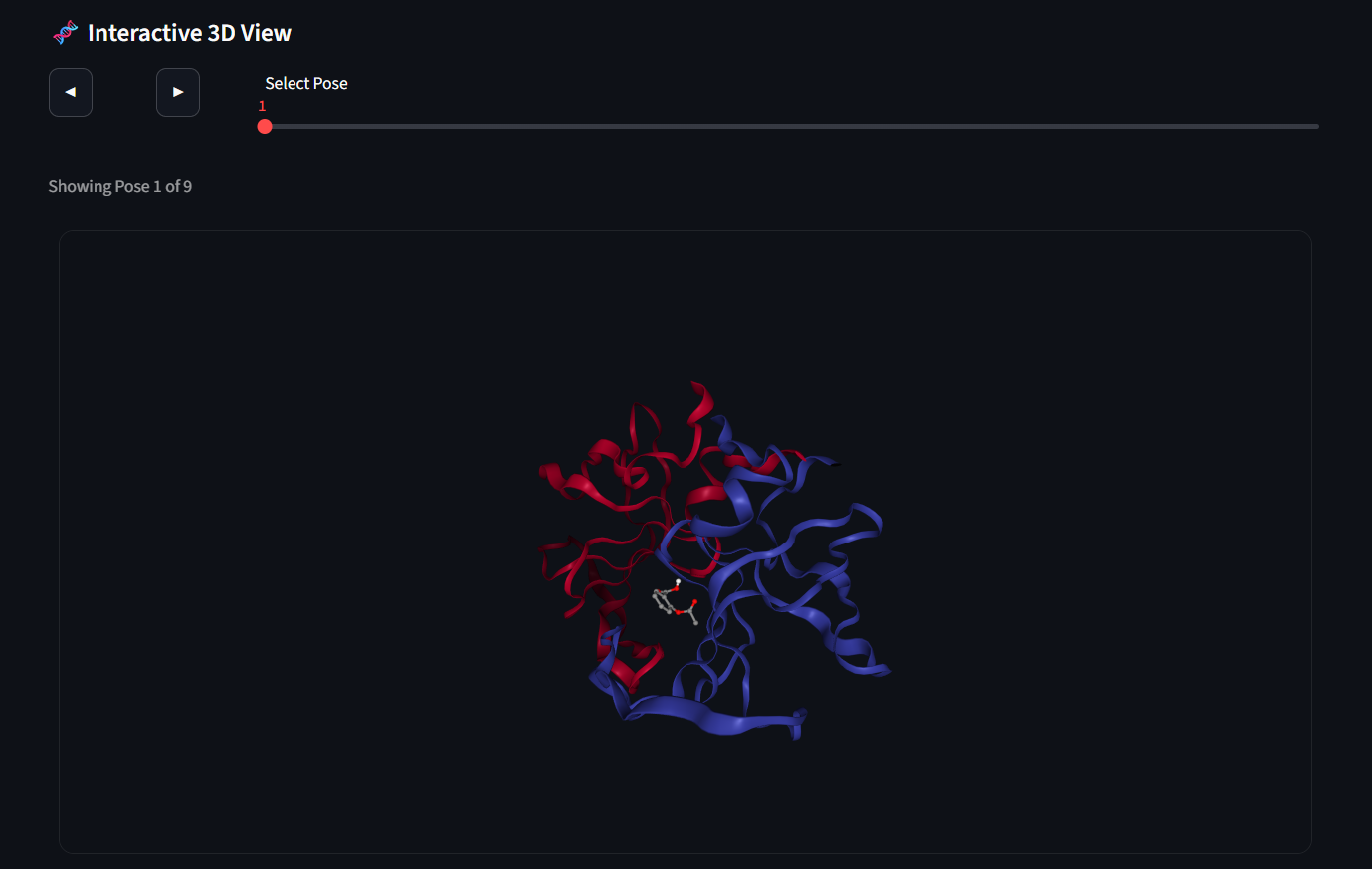
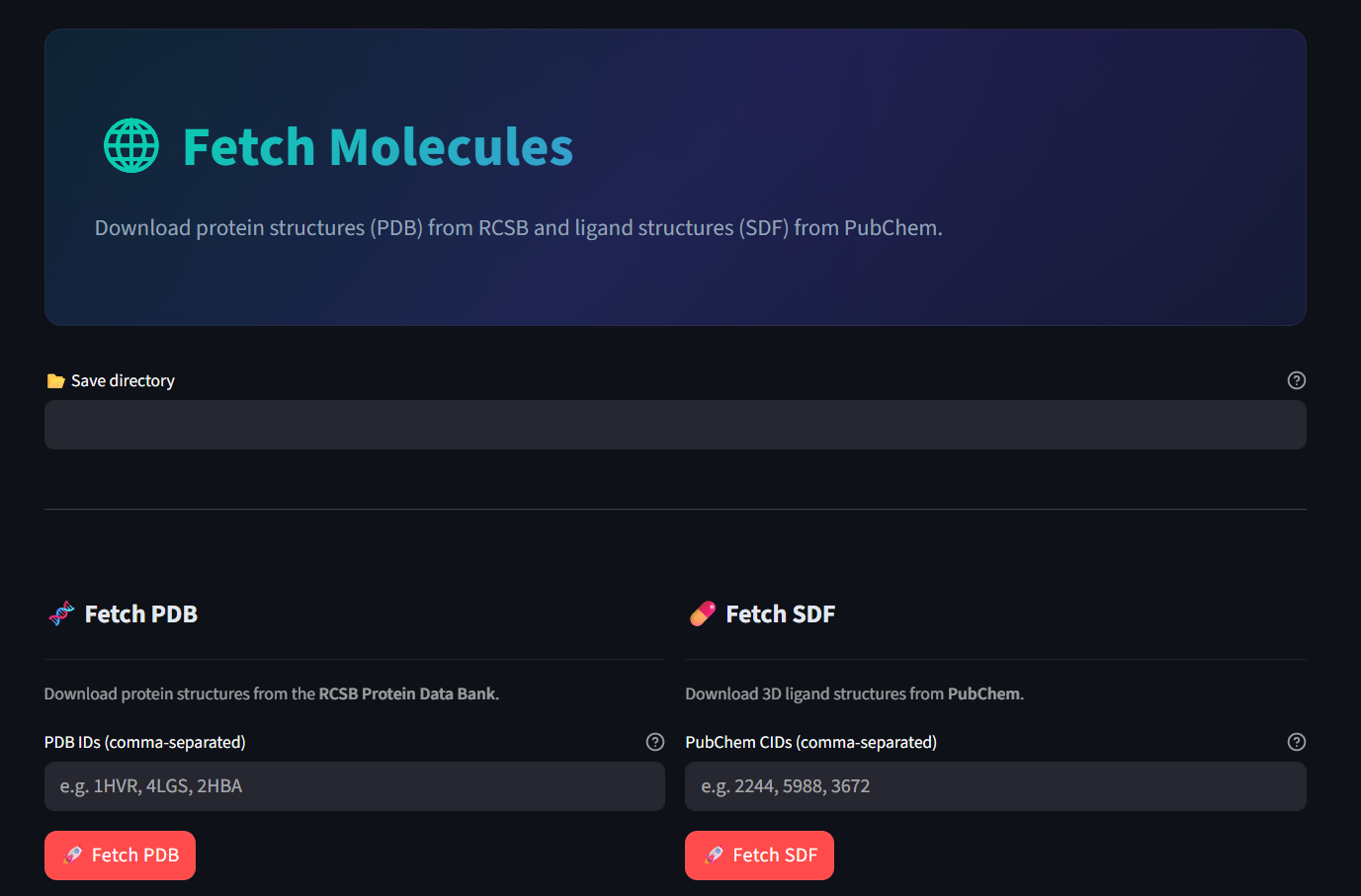
DockSuiteX comes with a full-featured GUI application built with Streamlit, providing a complete graphical interface for all docking workflows — no command-line or coding experience needed.
The easiest way to use DockSuiteX is via the GUI command.
Installation#
- Ensure Python 3.9+ is installed.
- Install the package:
- Run the GUI: If the command is not recognized, try:
- The GUI will open in your browser automatically.
Uninstallation#
To completely uninstall DockSuiteX, you should first remove the downloaded binary executables and then uninstall the Python package.
- Remove Binaries: If the command is not recognized, try:
- Uninstall Package:
Screenshots#